S (AMAZING)

Phantom FGR.2 (11.3)

Phantom FG.1 (11.3)

Jaguar GR.1 (10.0)

Spitfire F Mk 24 (6.7)

Spitfire F Mk 22 (6.0)

Spitfire F MK XVIIIe (5.3)

Spitfire F MK XIVe (5.3)

Spitfire LF Mk IX (5.0)
A+ (GREAT)

Harrier GR.3 (9.3)

Hunter F.6 (9.7)

Venom FB.4 (9.0)

Sea Meteor F Mk.3 (7.3)

Meteor F Mk.3 (7.0)

Tempest Mk II (6.3)
A (GOOD)

F-111C Aardvark (11.3)

Jaguar GR.1A (10.7)

Buccaneer S.2B (10.7)

Sea Harrier FRS.1 (E) (10.7)

Lightning F.6 (9.7)

Buccaneer S.2 (9.3)

Hunter F.1 (9.0)

Swift F.7 (8.7)

Swift F.1 (8.3)

Meteor F Mk.8 G.41K (8.0)

Meteor F Mk.4 G.41F (7.7)

Washington B.Mk.I (7.0)

Tempest Mk V (6.0)

Sea Fury FB.11 (5.7)

Hornet Mk.III (5.7)

Typhoon Mk lb/Late (5.0)

Spitfire F Mk XVI (5.0)

Seafire LF Mk.III (5.0)

Halifax B Mk IIIa (4.3)

Firefly FR Mk V (4.0)

Firefly F Mk 1 (4.0)

Mosquito FB Mk VI (3.7)
B (Mid)

Hawk 200 (10.7)

Scimitar F Mk.1 (8.7)

Seafire F Mk XVII (5.7)

Spitfire F Mk IX (4.7)

Spitfire Mk Vc/Trop (4.7)

Whirlwind Mk 1 (4.0)
Better options exist

Meteor F Mk.4 G.41G (8.0)

Vampire F.B.5 (7.7)

Attacker FB 1 (7.3)

Spitfire Mk Vc (5.0)

Brigand B.1 (4.3)
C (Frustrating)

Canberra B Mk 2 (7.7)

Sea Hawk FGA.6 (7.3)

Seafire FR 47 (6.0)

Lancaster B Mk I (5.7)
D (Pain)

Javelin F.(A.W.) Mk.9 (8.7)
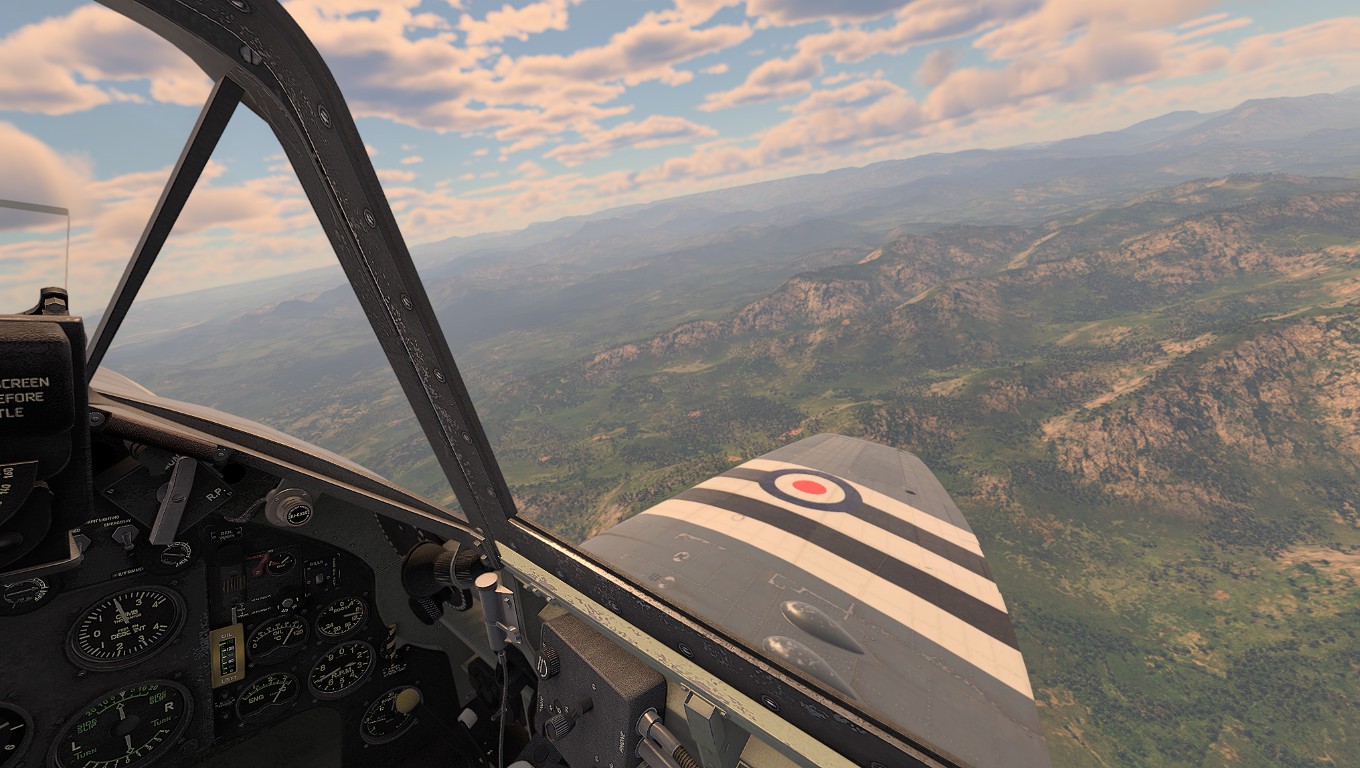

Mosquito TR.Mk.33 (3.7)

Mosquito NF.Mk.II (3.7)

Hawk 200 RDA (11.3)

Mosquito FB Mk XVIII (3.3)

Welkin F Mk.I (4.7)

Tornado F.3 (12.0)

Tornado GR.1 (11.7)

Lancaster B Mk III (6.0)

Canberra B (I) Mk 6 (8.0)

Stirling B Mk III (5.3)

Lincoln B Mk II (6.3)

Stirling B Mk I (5.0)

Shackleton MR.Mk.2 (6.3)

Sea Venom FAW 20 (8.0)